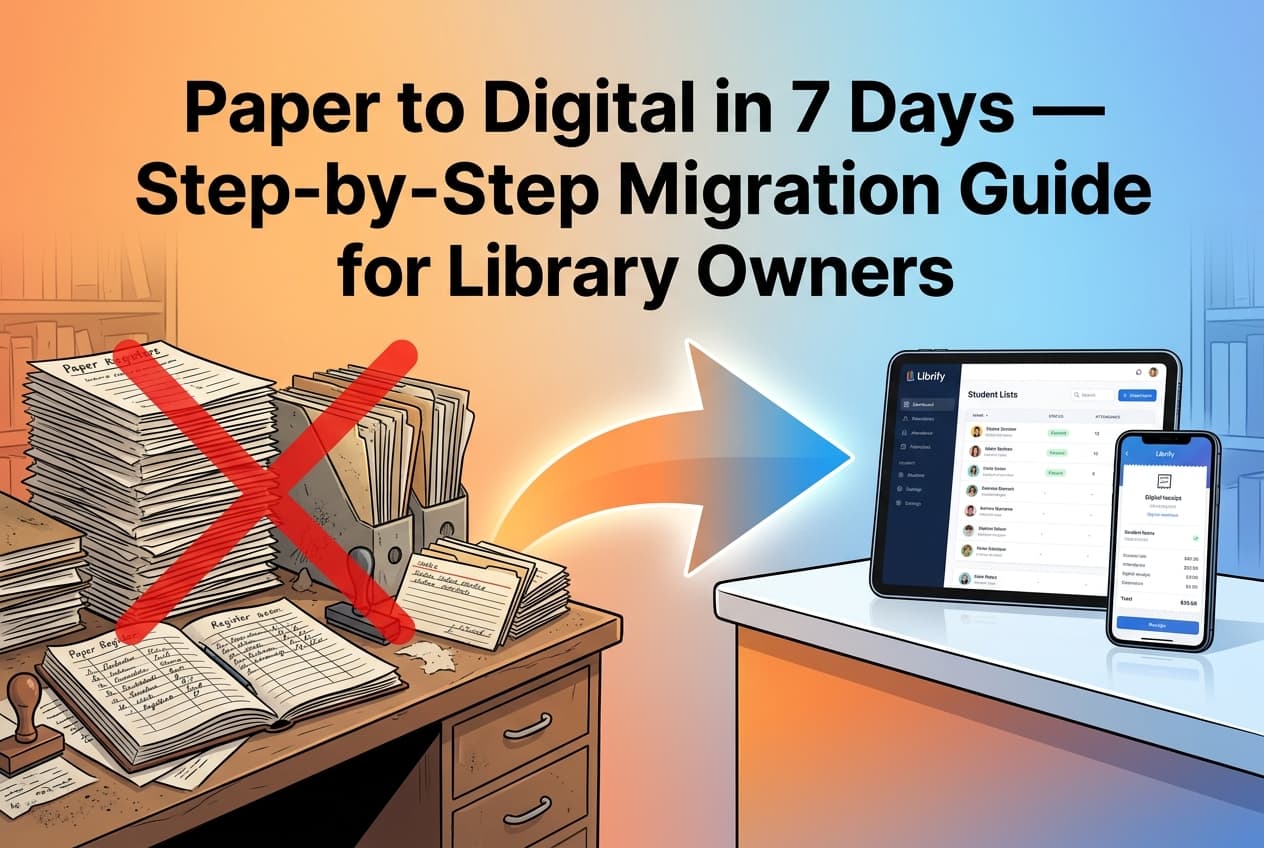

Many library owners delay switching from a paper register or a messy bahi khata for years, not because the paper system works well, but because the switch itself feels risky — what if student data gets lost, or staff can't learn a new app quickly? In practice, the migration only touches your currently active students, takes about 15 minutes, and can run in parallel with your existing system until you're confident.
This guide is a structured, low-risk walkthrough for moving an existing private study library from paper or Excel to a digital app, written specifically for owners who aren't particularly technical and want a clear, sequential checklist.
In This Migration Guide
1. Why Paper Registers Are Quietly Costing You
A paper register has no search function, no automatic renewal alerts, and no way to see occupancy across shifts at a glance — every one of those gaps translates into either lost revenue (a forgotten renewal) or staff time (manually counting who's due this week). The cost of staying on paper isn't visible as a single line item, but it shows up as the 10-15% revenue leakage from missed renewals and the hours staff spend on manual bookkeeping that could go toward actually running the library.
2. The 5-Step Migration Checklist
Most owners can work through this entire checklist between two shifts, without closing the library or disrupting a single day of operations:
- Export or list active students: You only need currently paying, attending students — not your entire historical register. Write down or export names, shifts, and phone numbers.
- Bulk-upload or self-register: Add all students at once through a bulk upload, or print a QR poster so existing students self-register from their own phones.
- Generate and print the entry QR code: Place a single QR code at your front desk for daily attendance scanning going forward.
- Announce automated WhatsApp receipts: Let existing members know that payment confirmations and renewal reminders will now arrive automatically on WhatsApp.
- Run both systems in parallel briefly: Keep the paper register as a backup for 7-10 days while staff and students get comfortable with the app as primary.
Once the parallel-run period ends without any recurring issues, retiring the paper register formally — rather than letting it linger "just in case" indefinitely — helps staff fully commit to the new system rather than defaulting back to old habits during busy moments.
3. Training Reception Staff on the New System
Staff who have used a paper register for years don't need a lengthy training session — most library apps are built around the same core actions (add a student, mark a payment, check the seat map) that map directly onto what they already do manually. A 15-20 minute walkthrough covering these three actions, followed by a few days of the parallel-run period above, is usually enough for staff to become comfortable without formal training.
The most common early mistake isn't a technical one — it's staff quietly reverting to the paper register during a busy moment because it feels faster in that instant. Having the owner or a senior staff member specifically model using the app during peak hours in the first week, rather than only during quiet periods, breaks this habit faster than any written instructions could.
4. Is Student Data Safe in a Cloud App?
A reasonable concern when moving off paper is where student data — names, phone numbers, payment history — actually lives once it's digital. Reputable library apps store this data in encrypted cloud databases with access restricted to the library's own staff logins, which is materially more secure than a paper register that any visitor could physically read, or a shared Excel file with no access control at all.
A paper register also carries a real, if underappreciated, physical risk — a single fire, flood, or simple misplacement destroys years of records permanently with no backup. Cloud-stored data survives exactly this kind of physical incident, which is a privacy and business-continuity benefit few owners consider until after they've experienced a records loss on paper.
5. Frequently Asked Questions
How long does it take to switch from paper to a digital library app?
Most libraries complete the core migration — adding active students and setting up QR attendance — in under 15 minutes, then run both systems in parallel for 7-10 days for staff comfort.
Do I need to import my entire historical register?
No. The migration only needs your currently active, paying students — not your full historical register — which is what makes the process quick rather than a full data-entry project.
Is student data safe in a cloud-based library app?
Reputable apps store student data in encrypted cloud databases restricted to the library's own staff logins — generally more secure than a physical paper register or an unrestricted shared spreadsheet.
Will my staff need extensive training to use a library app?
No. Most library apps map onto the same actions staff already perform manually — adding a student, marking a payment, checking the seat map — so a 15-20 minute walkthrough is usually sufficient.
Related reading: Top 10 Library Management Apps in India.
Complete Your Digital Switch in 15 Minutes
Bulk-add your active students, print a QR code, and leave paper registers behind today.
Try Librify Free →