Video Tutorials

Librify Video Tutorials

Learn how to use Librify library management software with step-by-step video tutorials. Master student registration, seat booking, subscription management, and more.

Start Learning

Step-by-Step Video Tutorials

Watch and learn how to use every feature of Librify library management software
How to Customize Student Registration Form

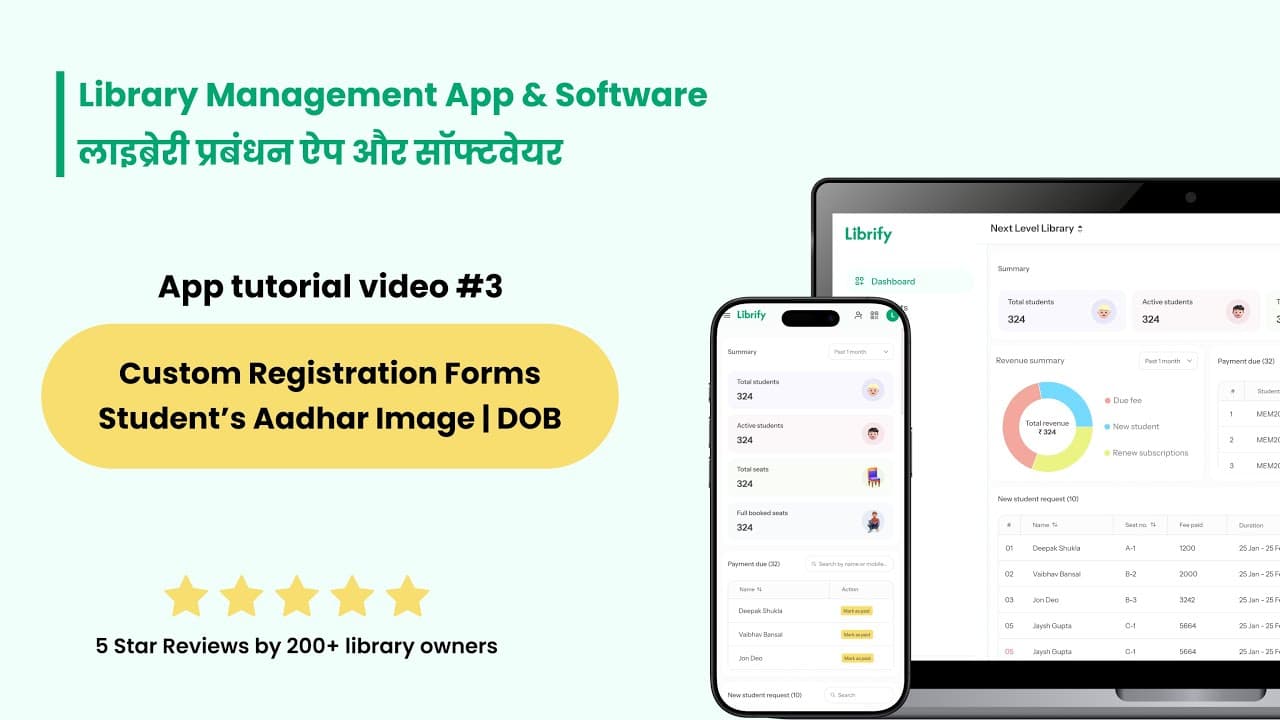
How to Customize Student Registration Form

Learn how to customize your library's student registration form to collect only the details you need—such as Aadhaar number, date of birth, or student photo—with just a few clicks!

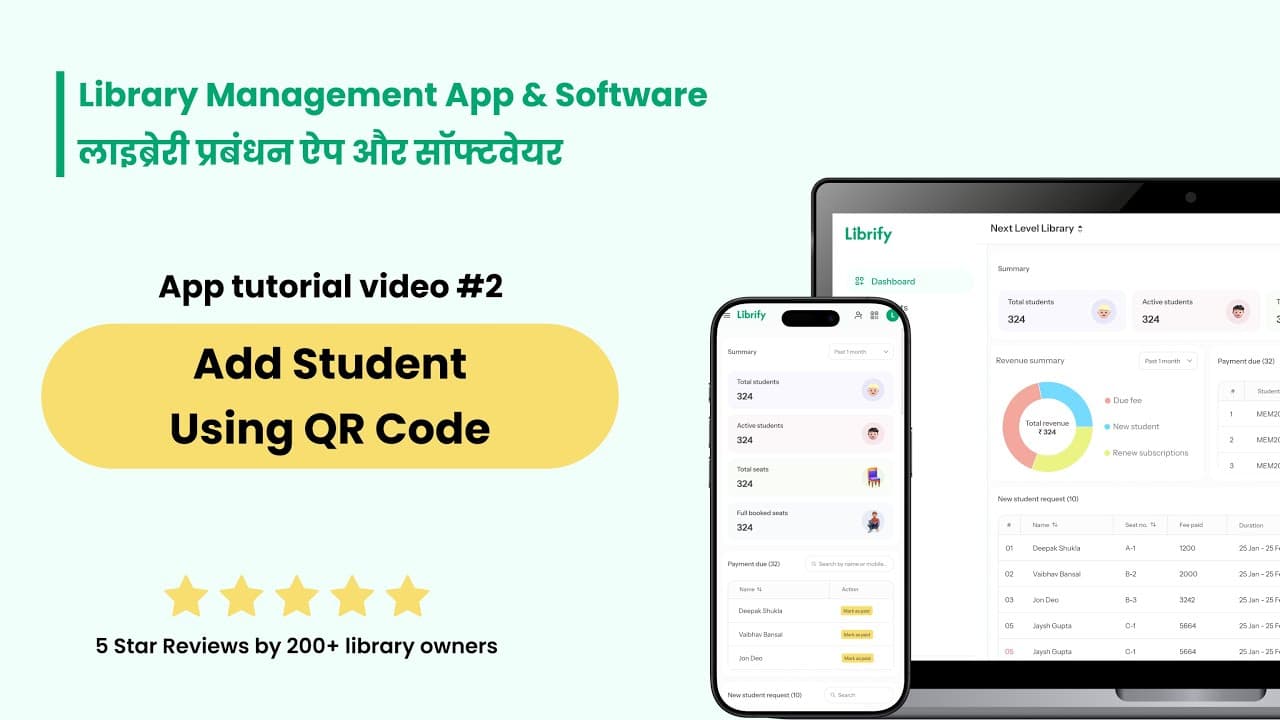
How to Add Student Using QR

How to Add Student Using QR

Learn how to use QR codes to let students register for your library quickly and easily—no manual entry needed!

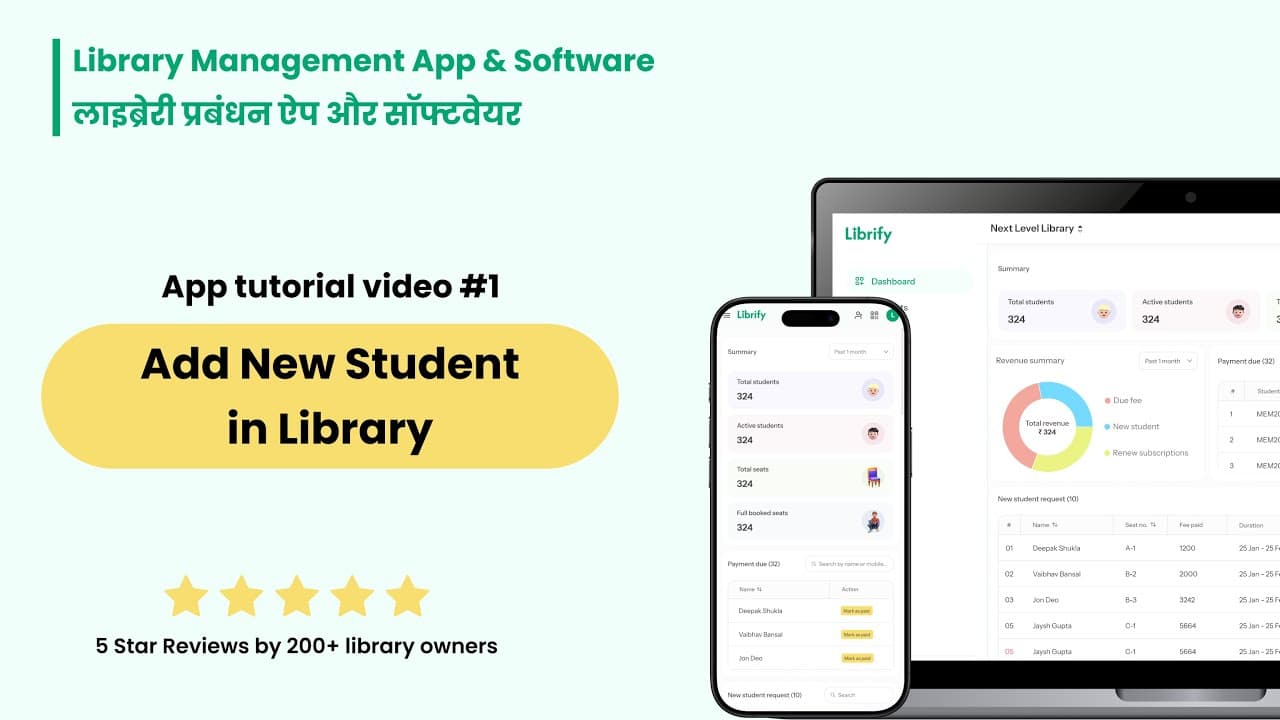
How to Add New Student in Library

How to Add New Student in Library

Learn how to add new students to your library—either manually or via QR—with fixed or floating shifts!

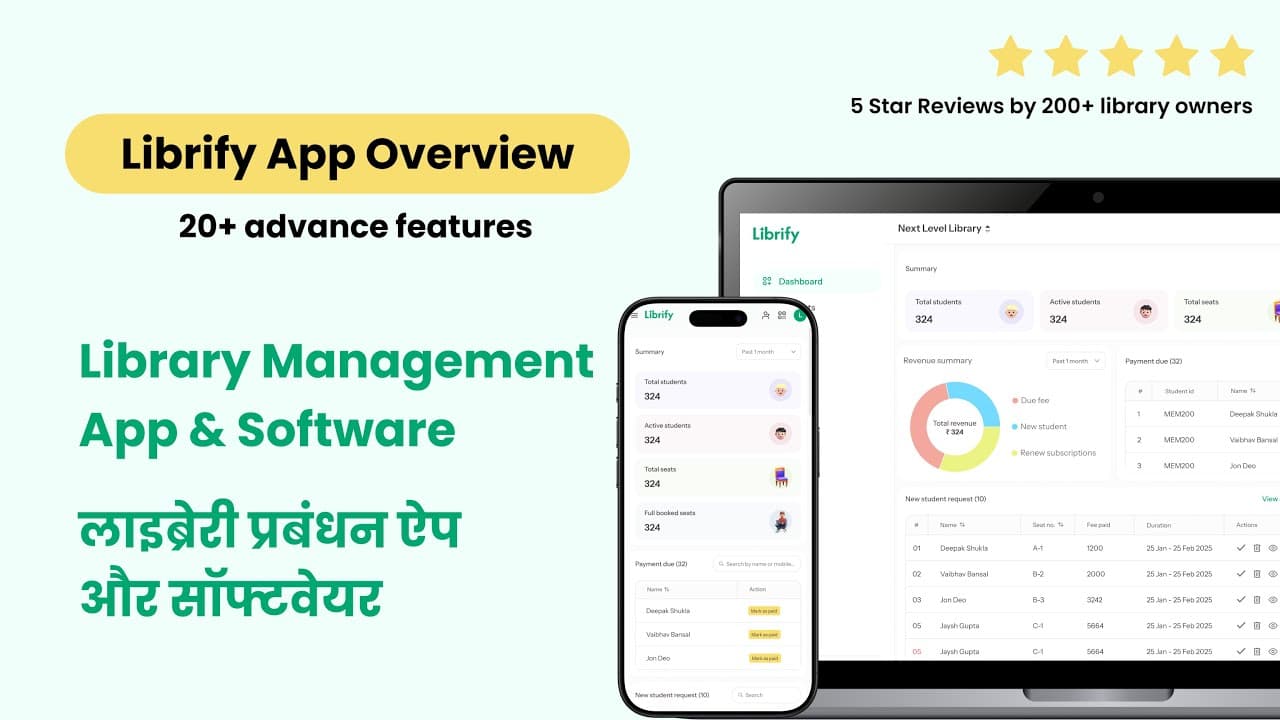
Librify App Basic Guide

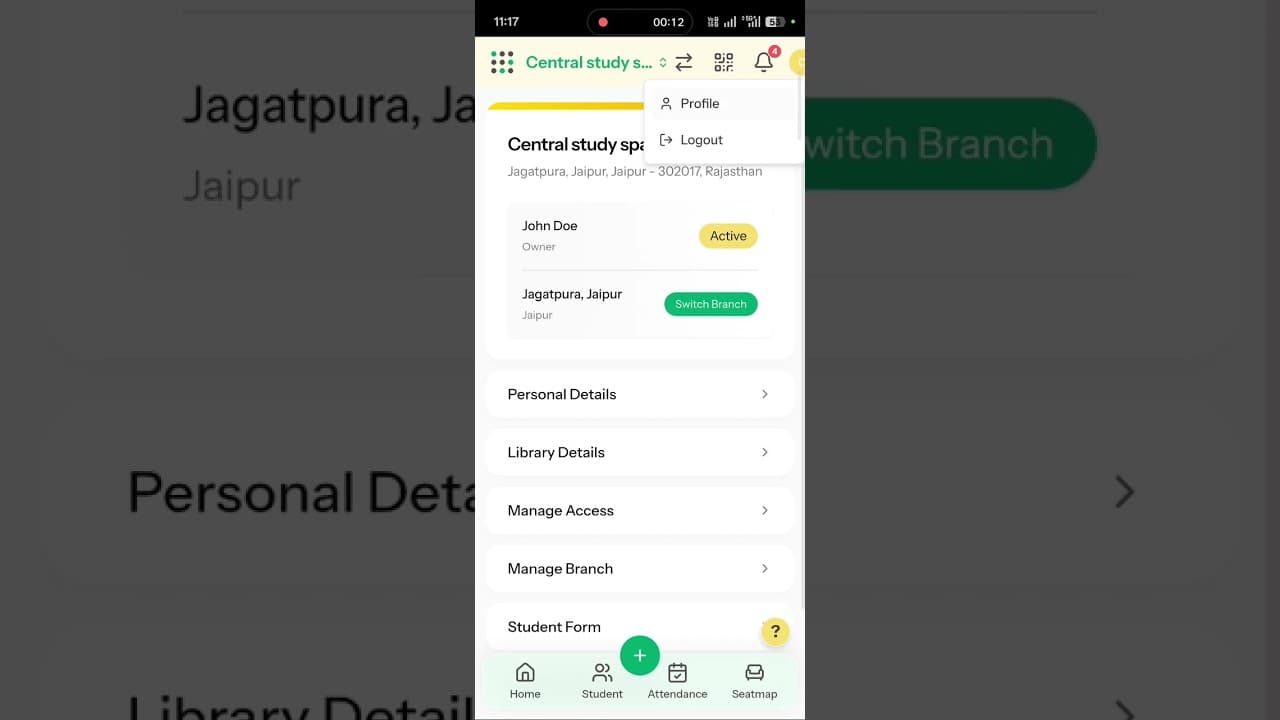
Librify App Basic Guide

Get a complete overview of the Librify app—learn how to manage students, seats, reports, and revenue all in one place!

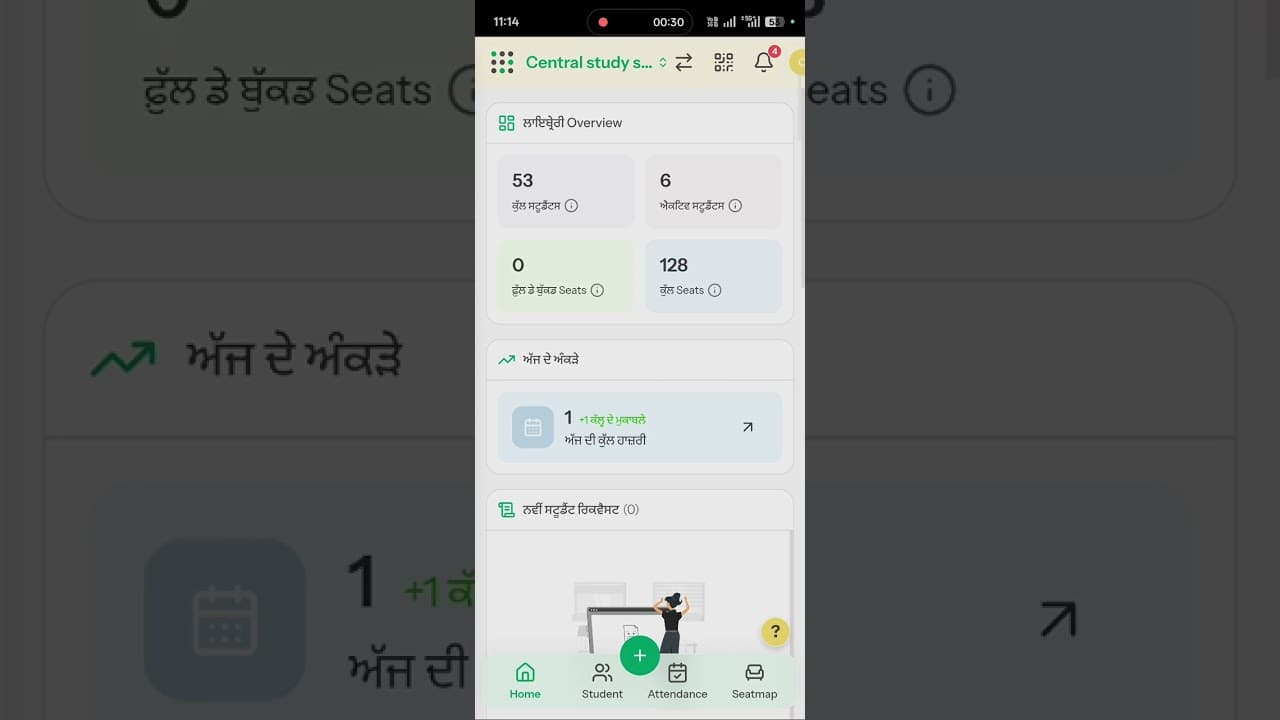
How to Change Language in Library System

How to Change Language in Library System

Learn how to switch Librify's display language to Hindi, Punjabi, Tamil, Marathi, Bengali, Telugu, Gujarati, or Kannada in just a few taps.

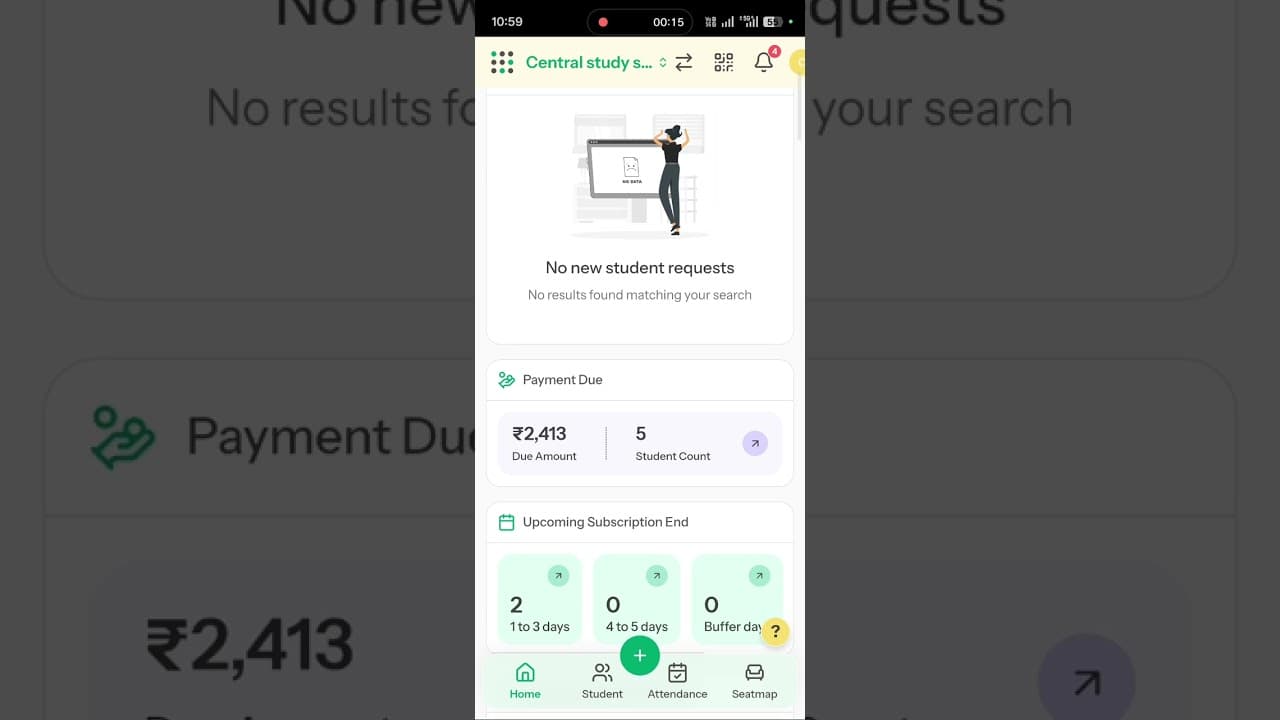
Library Payment Due Management

Library Payment Due Management

See exactly which students have pending fees, message them directly, and mark full or partial payments (cash or UPI) — all from the dashboard.

Library Expense Management

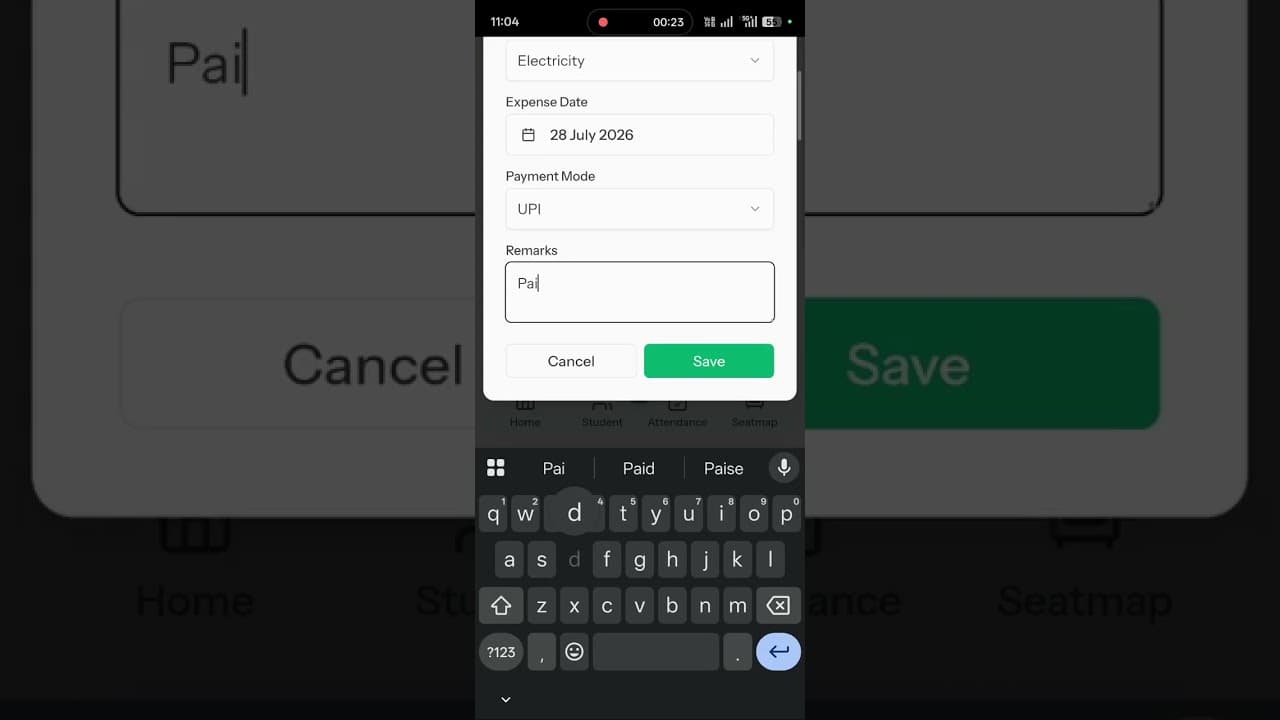
Library Expense Management

Track daily library expenses like electricity, rent, maintenance, and staff salaries, and see monthly spending trends in analytics graphs.

Add Multiple Admin and Staff Access

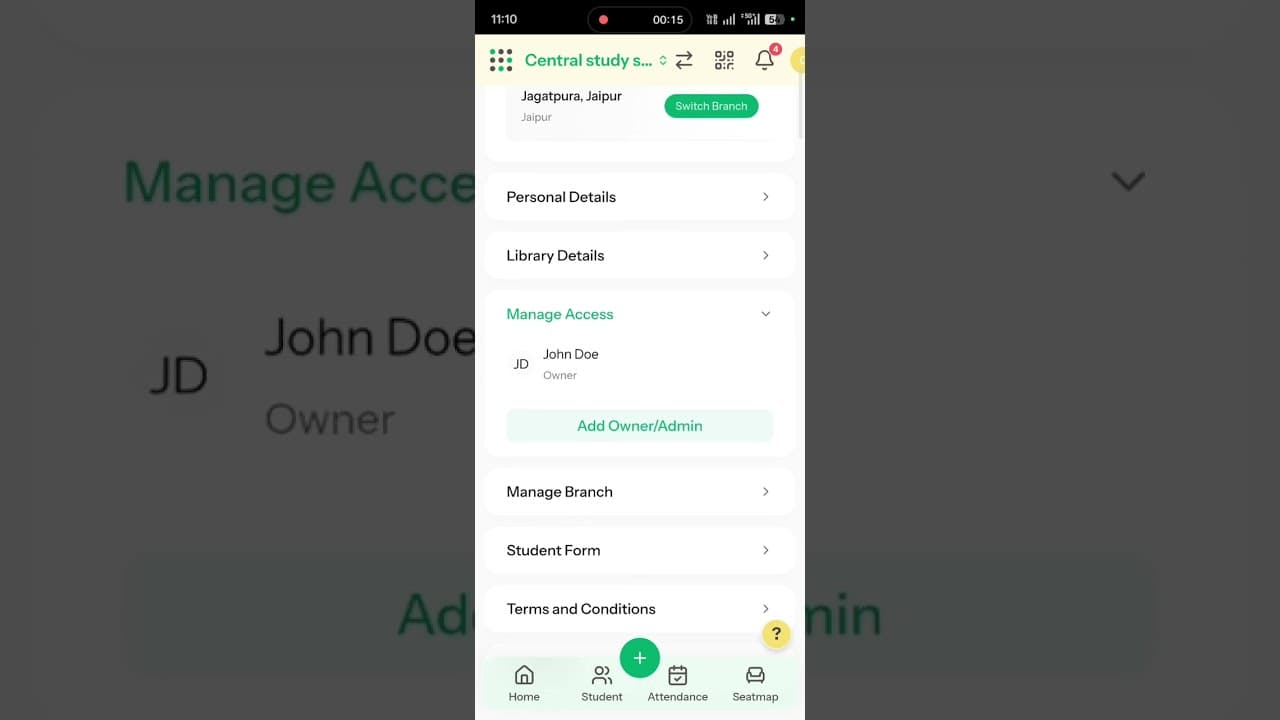
Add Multiple Admin and Staff Access

Delegate daily check-ins, fee collection, and seat allocation to staff by adding secure Admin or Co-Owner access, without sharing your main login.

Student Registration via QR Code

Student Registration via QR Code

Share a dedicated registration QR code so students can scan and fill their own admission form—then review, edit, and approve requests from the admin dashboard.

Library Shift Management—Edit Shift Timings

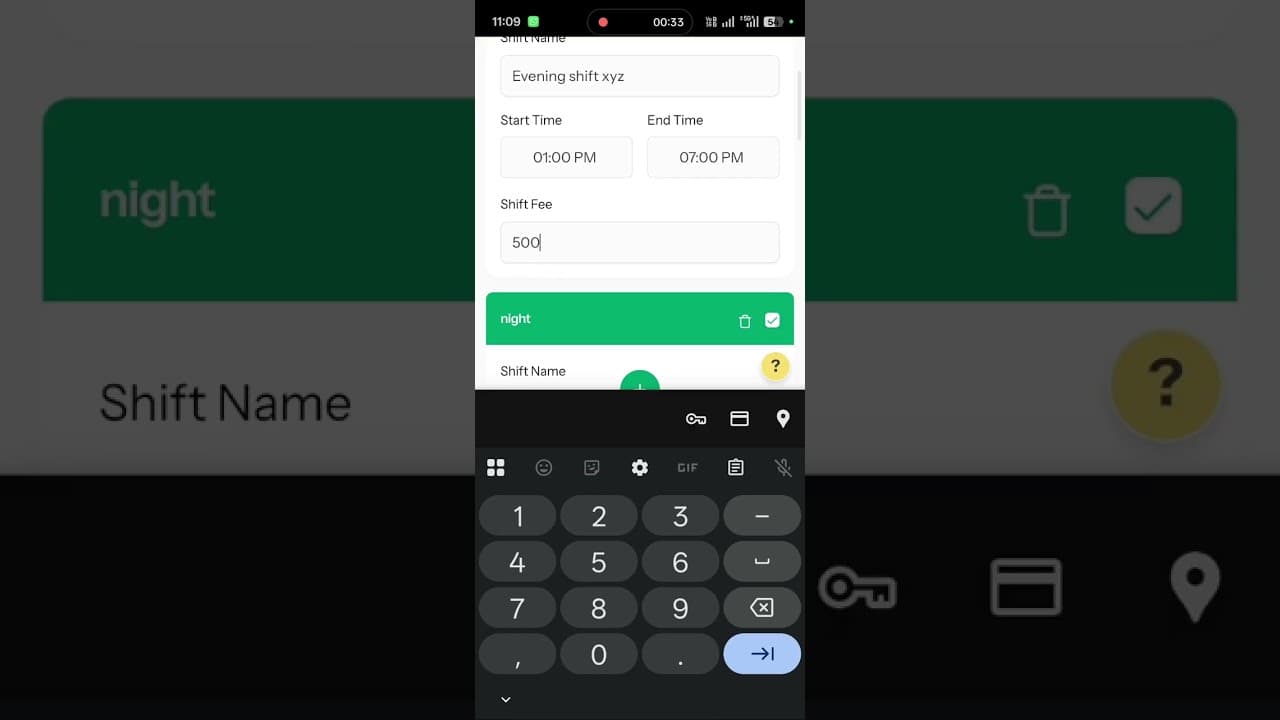
Library Shift Management—Edit Shift Timings

Customize and update your library's shift timings—edit shift names, start/end times, and monthly fees in a few taps.

Library Premium Plans—Upgrade & Renewal

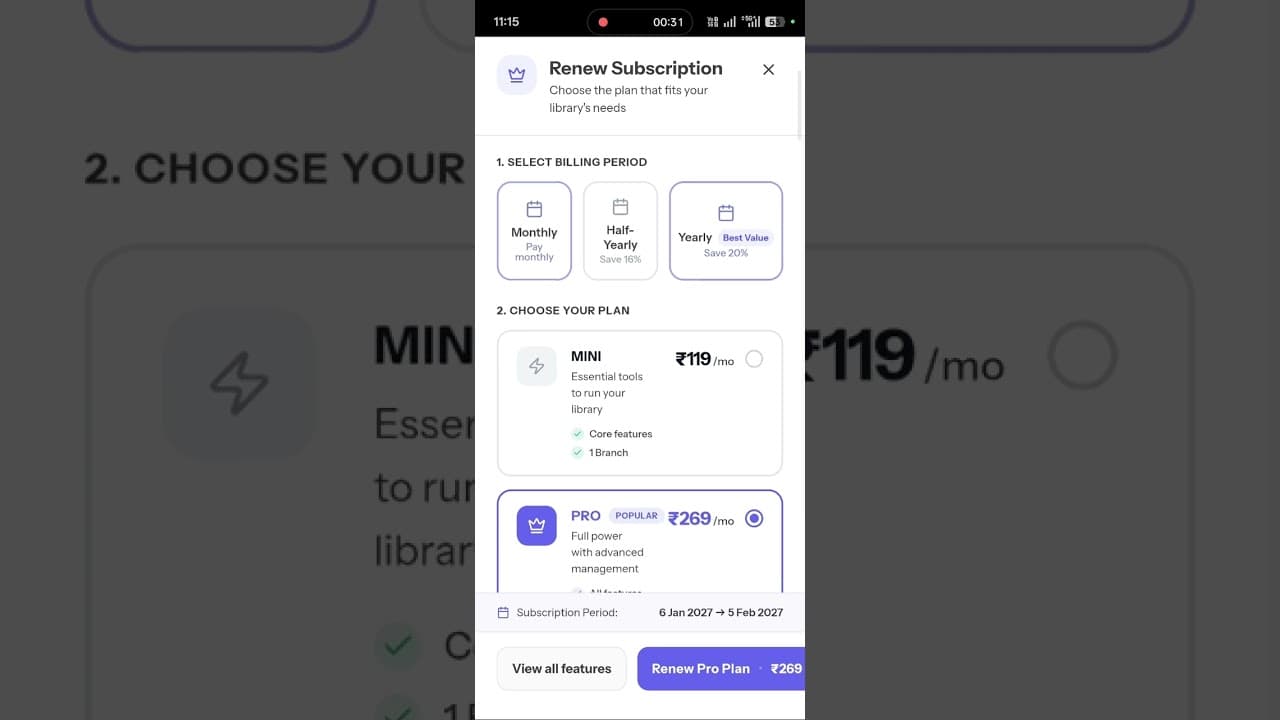
Library Premium Plans—Upgrade & Renewal

Compare Librify's Free, Mini, and Pro plans and renew your subscription—pricing scales with your library's seat capacity.

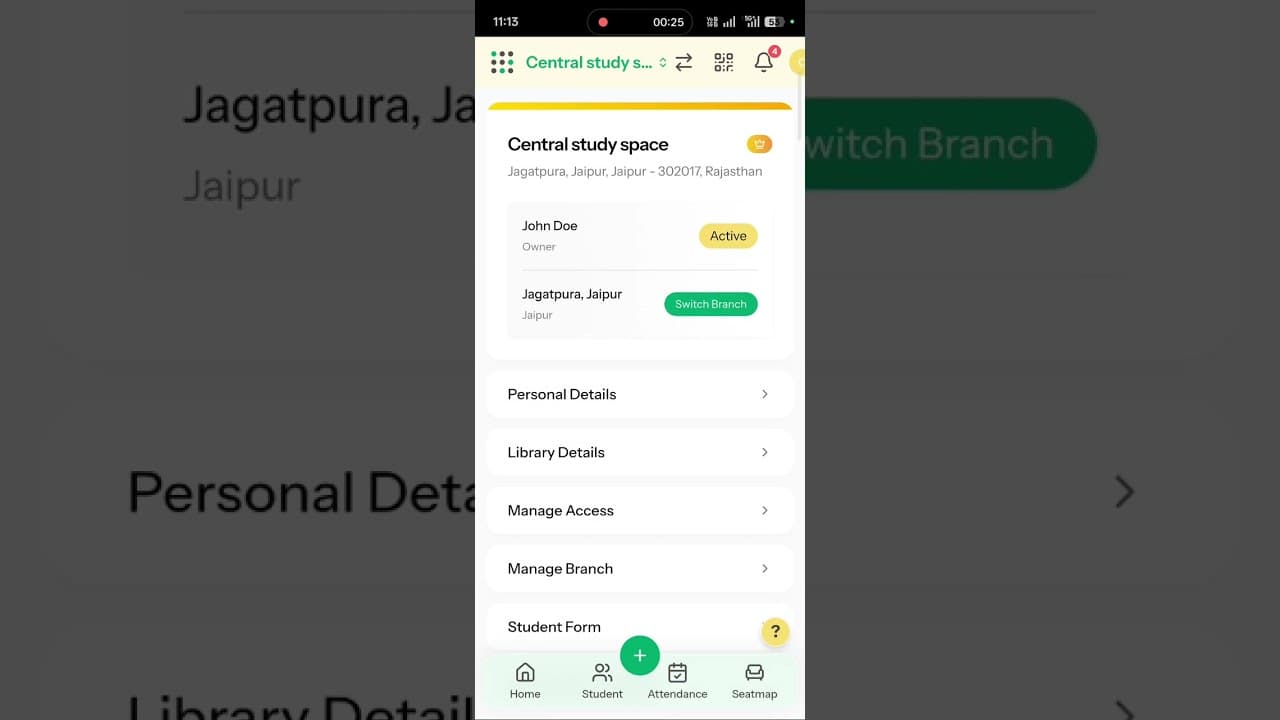
Add New Library Branch—Multiple Branches

Add New Library Branch—Multiple Branches

Add a new branch to your library under a single owner account and switch between branches to view separate seat maps, students, and reports.

Edit Library Settings & Details—Profile Update

Edit Library Settings & Details—Profile Update

Update your library's basic details, amenities, and floorwise seat capacity from the Library Details settings panel.

Library Seat Shift—Change Student Seat

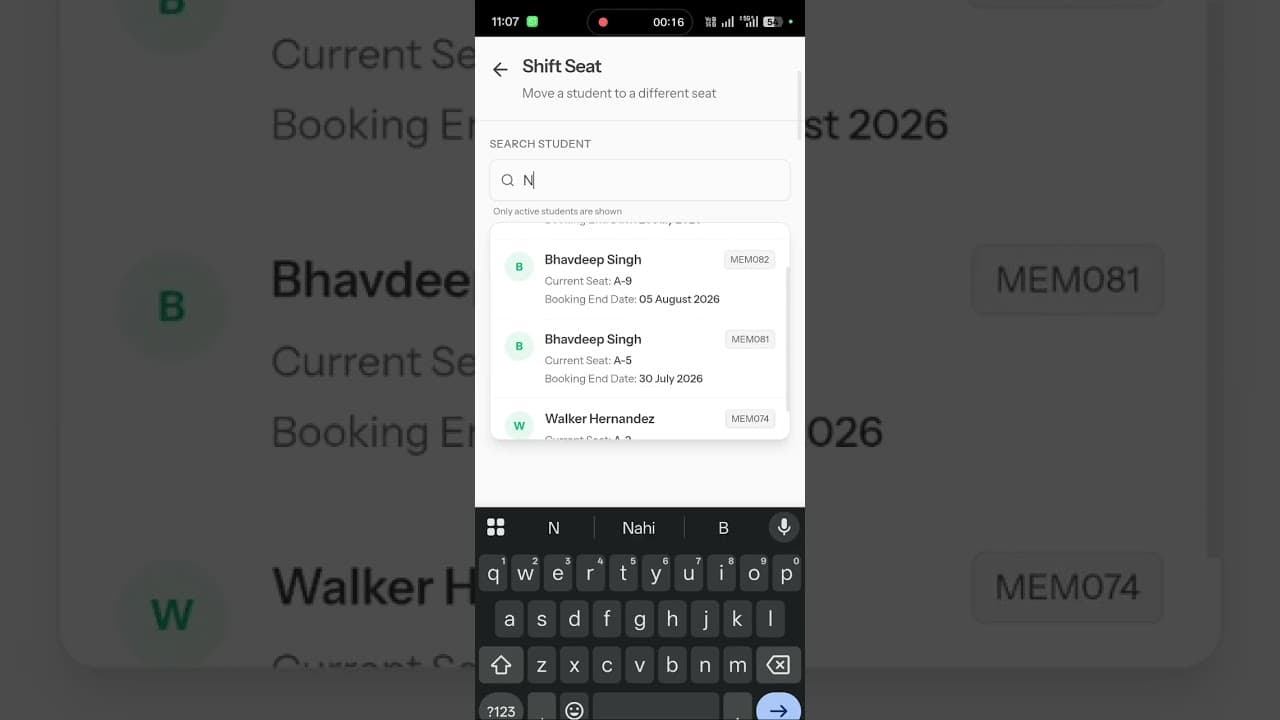
Library Seat Shift—Change Student Seat

Shift a student's seat allocation from the seat map dashboard—pick the effective date and a new available desk in seconds.

Start Managing Your Library with Librify

Join 1500+ libraries across India that trust Librify for their daily operations. Start your free trial today.

What are Librify tutorials?

Librify tutorials are free step-by-step video guides that teach library owners and study space managers how to use Librify library management software. Topics include student registration, seat booking, subscription management, payment tracking, and QR code setup.

How to change student registration form in Librify?

To change the student registration form in Librify, go to your library dashboard, navigate to Settings, and select the Registration section. You can add custom fields like student photo, ID proof, and address. Make fields mandatory or optional, rearrange their order, and preview the form before saving. Changes go live immediately for students scanning your library QR code.

What is the best library management software in India?
Librify is India's leading library management software, trusted by 1500+ libraries across 20+ states. It offers free student management, QR code registration, multi-shift seat booking, automated subscription tracking, and UPI payment integration — all designed specifically for Indian libraries and study spaces.

Are Librify video tutorials free?

Yes, all Librify video tutorials are completely free. You can watch them on the Librify website tutorials page or on the official Librify YouTube channel. Tutorials are available in English, Hindi, and Hinglish to help library owners across India learn how to use the software effectively.

Librify Video Tutorials vs Text Documentation

  • Video tutorials provide visual step-by-step guidance; text docs lack visual context.
  • Video tutorials show exact UI navigation; text guides require interpretation.
  • Librify tutorials are available in English, Hindi, and Hinglish; most software docs are English-only.
  • Video tutorials are free and available on YouTube; some software charges for training sessions.