
Librify App Basic Guide
Get a complete overview of the Librify app—learn kaise students, seats, reports, aur revenue ko ek hi jagah manage karein!
Detailed Step-by-Step Guide
Official GuideWhat You'll Learn: • 5 main pages (Home, Student, Seat Map, Report, Revenue) • Students kaise add aur manage karein • Seat bookings aur status kaise check karein • Reports aur revenue kaise track karein Main Features: • Home Page: Overview of pending payments, naye requests, aur upcoming subscription expiries. • Student Page: Complete student management (edit, delete, renew, share receipts). • Seat Map: Visual seat booking status with color coding. • Report: Daily/monthly reports, payment dues, subscription expiries. • Revenue: Track revenue by month/week/year, view transaction details. Pro Tip: Try Librify's 1-month free premium trial aur apna feedback share karein—hum hamesha improve kar rahe hain!
Need assistance setting up your library?
Get in touch with the Librify support team or explore our free app.
More Tutorials
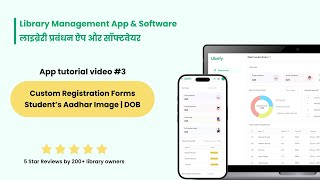
Student Registration Form Customize Kaise Karein
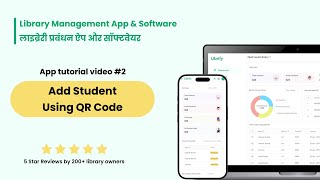
QR Code Se Student Kaise Jodein
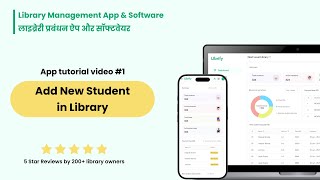
Library Mein Naya Student Kaise Jodein
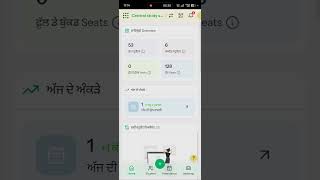
Library Management App Mein Language Kaise Badlein
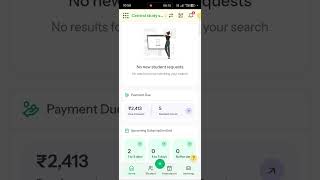
Library Fees Baaki Kaise Manage Karein
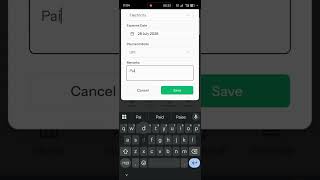
Library Expenses Kaise Track Karein
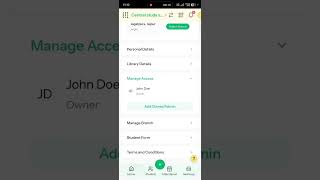
Multiple Admin Aur Staff Access Kaise Add Karein
QR Code Se Student Registration
Library Shift Timings Kaise Edit Karein
Library Premium Plans Upgrade Aur Renewal
Library Mein Nayi Branch Kaise Add Karein
Library Settings Aur Details Kaise Edit Karein