
Library Premium Plans—Upgrade & Renewal
Compare Librify's Free, Mini, and Pro plans and renew your subscription—pricing scales with your library's seat capacity.
Comprehensive Step-by-Step Guide
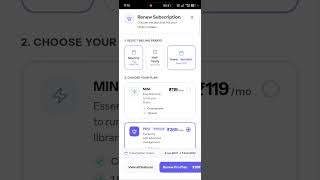
Official GuideWhat You'll Learn: • What's included in the Free, Mini, and Pro plans • How to compare monthly, half-yearly, and yearly billing • How Librify's seat-based pricing model works • How to renew or upgrade your plan Step-by-Step Guide: 1. Go to General Settings and open the Plan Renewal section. 2. Compare monthly, half-yearly, and yearly billing cycles. 3. Review the Free Plan—QR registration, single admin, basic seat management. 4. Review the Mini Plan—core management tools, expense tracker, Dashboard 2.0. 5. Review the Pro Plan—WhatsApp reminders, multi-branch, revenue tracking, custom forms. 6. Pick the plan and billing cycle that fits your library's seat count and renew. Note: • Pricing is seat-based, so the final cost depends on your library's total seat capacity. Pro Tip: Compare yearly billing—it usually works out cheaper than paying monthly!
Need assistance setting up your library?
Get in touch with the Librify support team or explore our free app.
More Tutorials
How to Customize Student Registration Form
How to Add Student Using QR
How to Add New Student in Library
Librify App Basic Guide
How to Change Language in Library System

Library Payment Due Management
Library Expense Management
Add Multiple Admin and Staff Access
Student Registration via QR Code
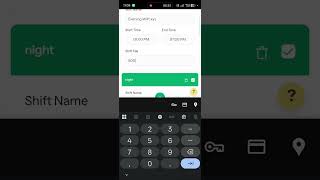
Library Shift Management—Edit Shift Timings
Add New Library Branch—Multiple Branches
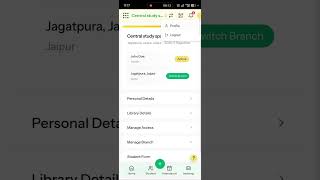
Edit Library Settings & Details—Profile Update