
If you run a paid self-study library, a library management application is the software that keeps your seats, shifts, fees and attendance in one place, instead of in a register, a WhatsApp group and your memory. This guide is about that kind of library, not a school or book-lending one.
Quick answer
A library management application for a paid study library is a phone or web app that tracks students, seat and shift bookings, fee payments, renewals, dues and attendance. Good ones also send WhatsApp receipts and reminders and show daily reports. Free plans exist; paid plans in India mostly cost ₹59 to ₹350 a month (October 2026).
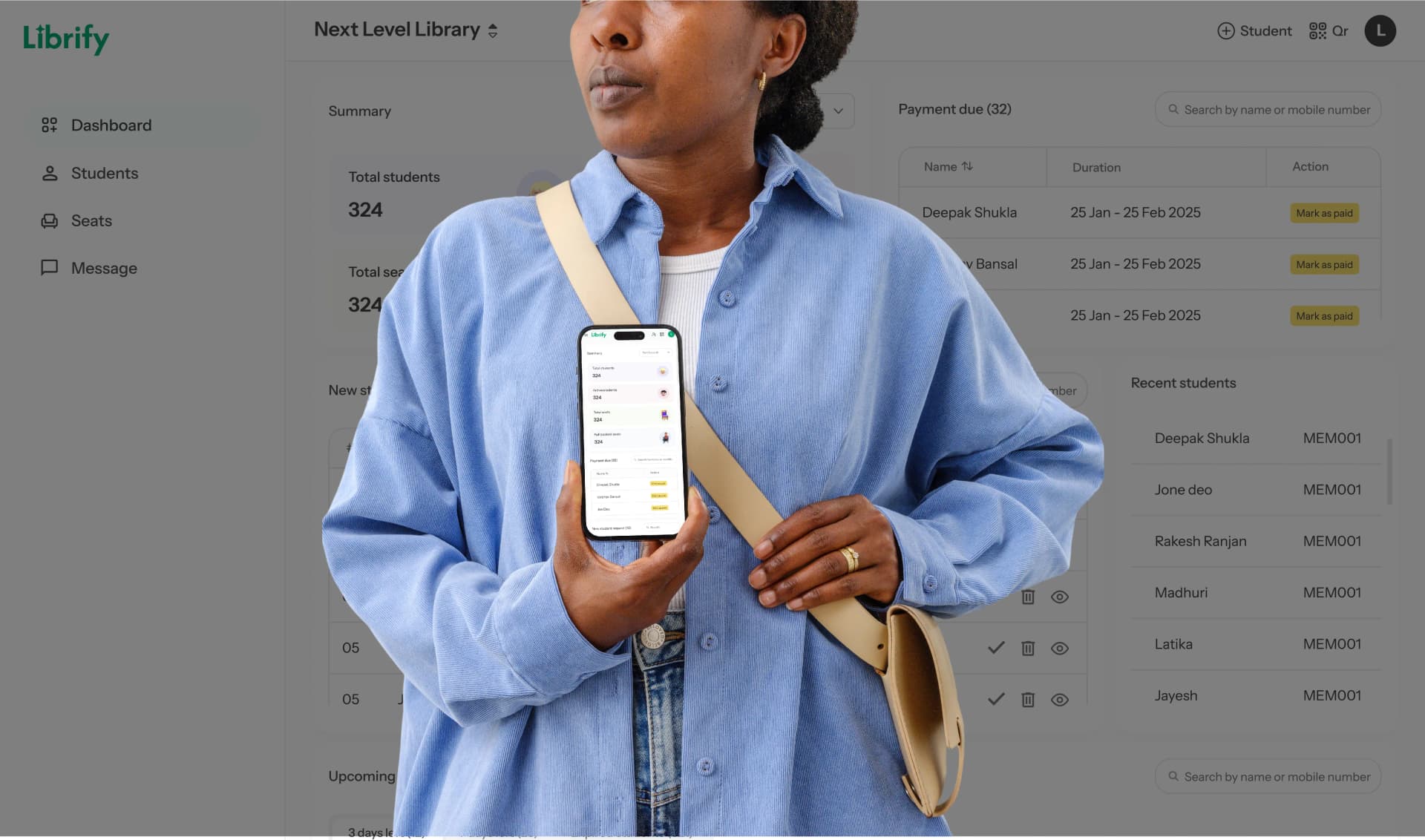
Librify is a library management app for private self-study libraries and reading rooms in India. It is used by 1500+ libraries across 20+ Indian states (Librify, 2026). This guide uses it as the example, but the checklist works for any app.
What is a library management application?
A library management application is software that runs the business side of a paid library: who has joined, which seat and shift they hold, until which date, and how much is still due. It is also called a library management system app or reading room software.
The same phrase is also used for software that lends books, so the table shows where each type fits.
| Software type | Built around | Fits a paid study library? |
|---|---|---|
| Study library management app | Seats, shifts, subscription dates, fees, dues, attendance | Yes, this is the category this guide covers |
| Book library system (for example Koha) | Book catalogue, issue and return, fines | No, unless you also lend books |
| Coaching institute ERP | Batches, timetables, faculty, tests | Only partly; seats and shifts are usually missing |
| Excel or Google Sheets | Whatever columns you build | Works up to about 40 students, then errors creep in |
The 10 jobs a library management app does
A library management app earns its fee by doing ten daily jobs that otherwise land on you or your desk staff.
- Admissions. A new student scans a QR code at the desk, fills their details on their own phone, and you approve the request.
- Seat and shift allotment. You assign seat 14 to one student for the 6 AM to 2 PM shift and the same seat to another for 2 PM to 10 PM. The app refuses a second booking on the same seat, shift and dates (more in our guide to seat management for study libraries).
- Fixed and floating seats. Fixed-seat students keep one desk; floating students take any free seat in their shift.
- Recording payments. Each UPI or cash payment is entered against the student, with the period it covers. A part payment of ₹600 on a ₹1,000 fee leaves ₹400 shown as due.
- Renewals and expiry. A list of whose subscription ends today, tomorrow and this week.
- Dues follow-up. One screen of who owes how much, so you stop discovering a ₹2,000 balance two months late.
- Attendance. A staff tap or a student QR check-in, with time and shift recorded.
- Receipts and reminders. A WhatsApp receipt after each payment and a message before the end date or after a missed due date.
- Reports. Daily collection, renewals, UPI versus cash, and expenses such as rent and electricity, so you know the month's profit.
- Staff and branches. Separate logins for a desk manager, and one view across branches if you grow.
What a library management application is not
A library management application for study libraries is not a book catalogue. It will not print barcodes for books, track issue and return dates, or calculate late fines. If you lend books as a side service, a register or a free tool such as Koha, the open-source library system handles that job better.
- It is not always a payment gateway. Many apps, Librify included, record UPI and cash payments rather than collecting money online, so the money still reaches your own UPI ID or bank account.
- It is not a coaching ERP. If you also teach batches and run tests, read our comparison of coaching center vs library management software before buying one tool for both.
How to evaluate a library management app
Evaluate a library management app by running your real week through it, not by counting features on a pricing page. Ask these questions.
- Can it match your exact shift timings, including a 10 PM to 6 AM night shift that crosses midnight?
- Does it block a second booking on the same seat and shift, and does it hold a seat for a few days after a subscription ends?
- Can your desk staff use it on a phone, in Hindi or their state language?
- Does it handle part payments and show the balance due, or only "paid" and "unpaid"?
- Who sends WhatsApp messages: you from your own phone, or the app automatically? Is there a per-message charge?
- Is the price fixed per branch, or does it rise with every seat or student you add?
Free plans differ a lot. As of October 2026, GoLibrary offers a free-for-life plan up to 25 members and is strong on biometric device support; Libly is free for up to 20 students. Librify's free plan does not cap students or seats; it is limited to one branch and one owner/admin login. For a longer checklist, see how to choose library management software.
How much does a library management application cost?
A library management application for a study library costs ₹0 to about ₹350 a month for most single-branch libraries in India, as of October 2026. The bigger cost is usually missed renewals and dues nobody followed up.
| Option | Typical cost | What you get |
|---|---|---|
| Paper register | ₹100 to ₹300 per register | A record, no reminders, no totals |
| Excel or Google Sheets | ₹0 | Flexible, but formulas break as you grow |
| Free plan of a study library app | ₹0 | Core seats, students and attendance, with limits that differ by vendor |
| Paid study library app | ₹59 to ₹350 a month | Reports, WhatsApp receipts and reminders, more branches or logins |
| ERP-style or campus software | ₹1,500 to ₹5,000+ a month | Book cataloguing and batch features a reading room rarely uses |
| Biometric machine (optional) | ₹5,000 to ₹15,000 one time, plus yearly maintenance | Fingerprint or face entry; needs power and repairs |
For reference, SeatWise lists one flat plan at ₹199 a month with unlimited members (October 2026). Librify Mini costs ₹59 to ₹159 a month and Pro ₹149 to ₹349 a month depending on seat count, with yearly billing at 10 times the monthly price; see Librify pricing by seat count. Our library software cost guide works out the full one-year cost.
How to set up a library management app in a week
You can set up a library management app in about a week without closing for a day. Do it in this order, and keep the register running alongside for the first month.
- Enter your library details, floors and seat count on day 1, numbering seats the way they are marked on the desks.
- Create your shifts with their real timings and fees on day 1, including a full-day option if you sell one.
- Add current students on days 2 and 3: name, phone, seat, shift, end date and balance due.
- Print the admission QR code on day 3 and put it at the desk, so every new student from now on registers on their own phone.
- From day 4, record every payment in the app first.
- At month end, compare the app's collection total with the register. When they match two months running, retire the register.
Our paper register to app migration guide shows how to move a register of 100 or more names without retyping everything twice.
Mistakes we see often
Owners import every student who ever joined, including those who left a year ago, and then cannot trust the active count. Enter only students with a current subscription.
Owners buy on a demo of features they will never use, such as book barcodes, and still track seats in a notebook.
Frequently asked questions
What is a library management application used for?
A library management application is used to run a paid study library from a phone or laptop. It records each student, their seat and shift, the dates they have paid for, what they still owe and when they came in. Most also send WhatsApp receipts and reminders.
Is a library management system app the same as school library software?
No. School, college and public library software is built to catalogue books and track who borrowed which title. A study library rents seats by shift, so it needs seat maps, renewals and dues instead. Book-lending systems such as Koha do the first job well but have no idea what a morning shift is.
How much does a library management app cost in India?
Between ₹0 and about ₹350 a month for most apps built for study libraries, as of October 2026. Librify Mini starts at ₹59 a month and Pro at ₹149. Older ERP-style software often costs ₹1,500 to ₹5,000 or more a month.
Can I run a library management app only on my phone?
Yes. Most study library apps, Librify included, run on an Android phone and in a web browser, so you do not need a desktop computer at the front desk. A laptop helps when you first enter 100 or more existing students.
Do students need to install an app?
Not for the basics. Students can fill a QR registration form in their phone browser, and you can mark attendance and record fees without them installing anything. A student app helps if you want self check-in and want students to see their own seat, shift and end date instead of asking at the desk.
Run seats, fees and attendance from one app.
Free plan available. Paid plans from ₹59 a month.
Start free on Librify