

Introduction: The Language Barrier in Library Operations
India is a land of incredible linguistic diversity, boasting hundreds of languages and dialects. In most cities and towns across states like Maharashtra, Gujarat, Punjab, West Bengal, and the southern states, regional languages are the preferred medium of communication and business. However, most library management tools are built strictly in English, creating a massive barrier for local library owners, staff, and students.
Operating your self-study reading room or private library in a language you and your staff speak fluently is not just about comfort; it is about efficiency, accuracy, and professional connection. In this guide, we will discuss how language barriers impact study space operations and explore how Librify's robust multi-language library software breaks down these barriers by supporting 9 major Indian languages natively.
Why Traditional English-Only Software Fails Indian Library Owners
Forcing staff and students to interact with complex English software interfaces leads to several invisible issues:
1. Staff Onboarding & Operational Friction
Many reading room owners hire local staff or security guards to manage student check-ins, record attendance, and handle daily cash collections. If the software is only in English, these employees often struggle to navigate the menus. This increases the likelihood of data input errors, delays student queues at the reception, and requires significant training time from the owner.
2. Communication Gaps with Students
When student membership cards, receipts, or automated alerts (like fee dues and seat renewals) are written solely in English, they feel impersonal and can sometimes be ignored or misunderstood. Sending critical alerts in the local language builds trust, minimizes confusion, and speeds up invoice settlements.
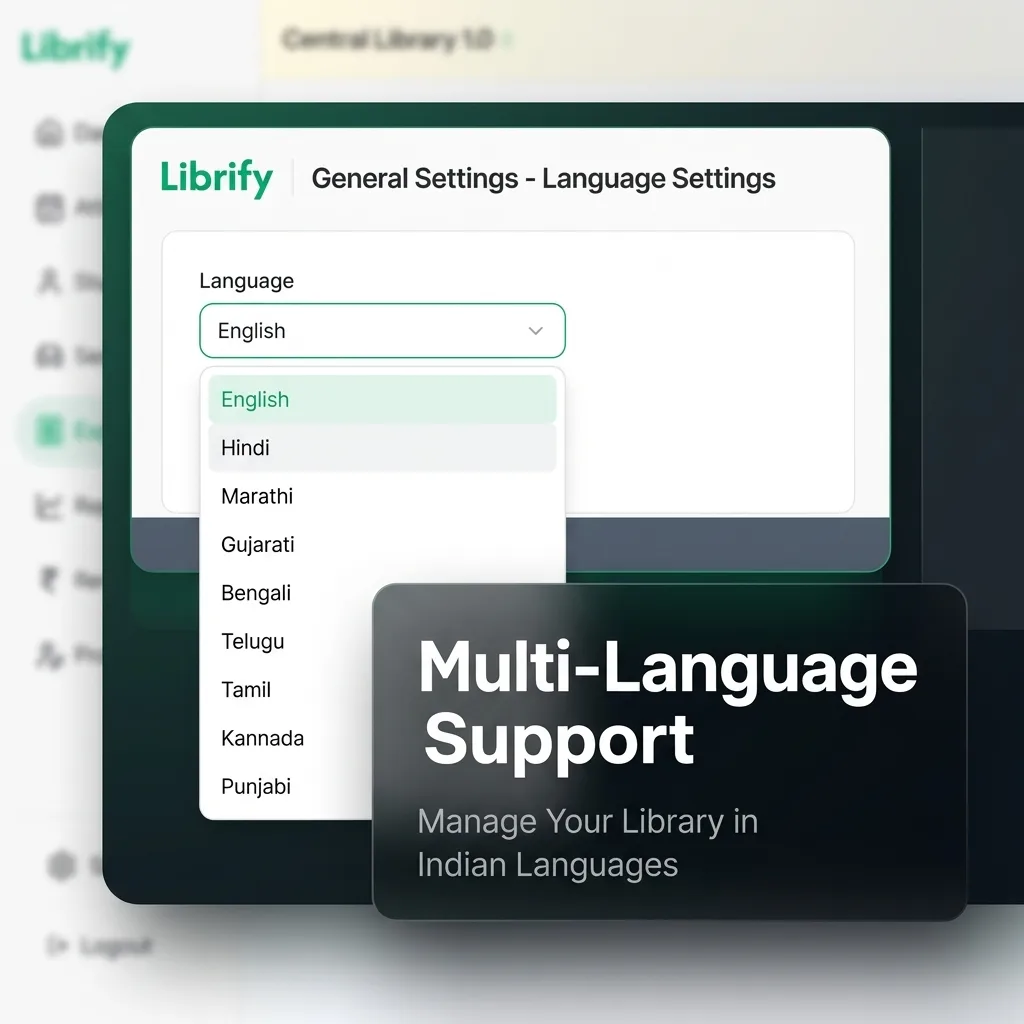
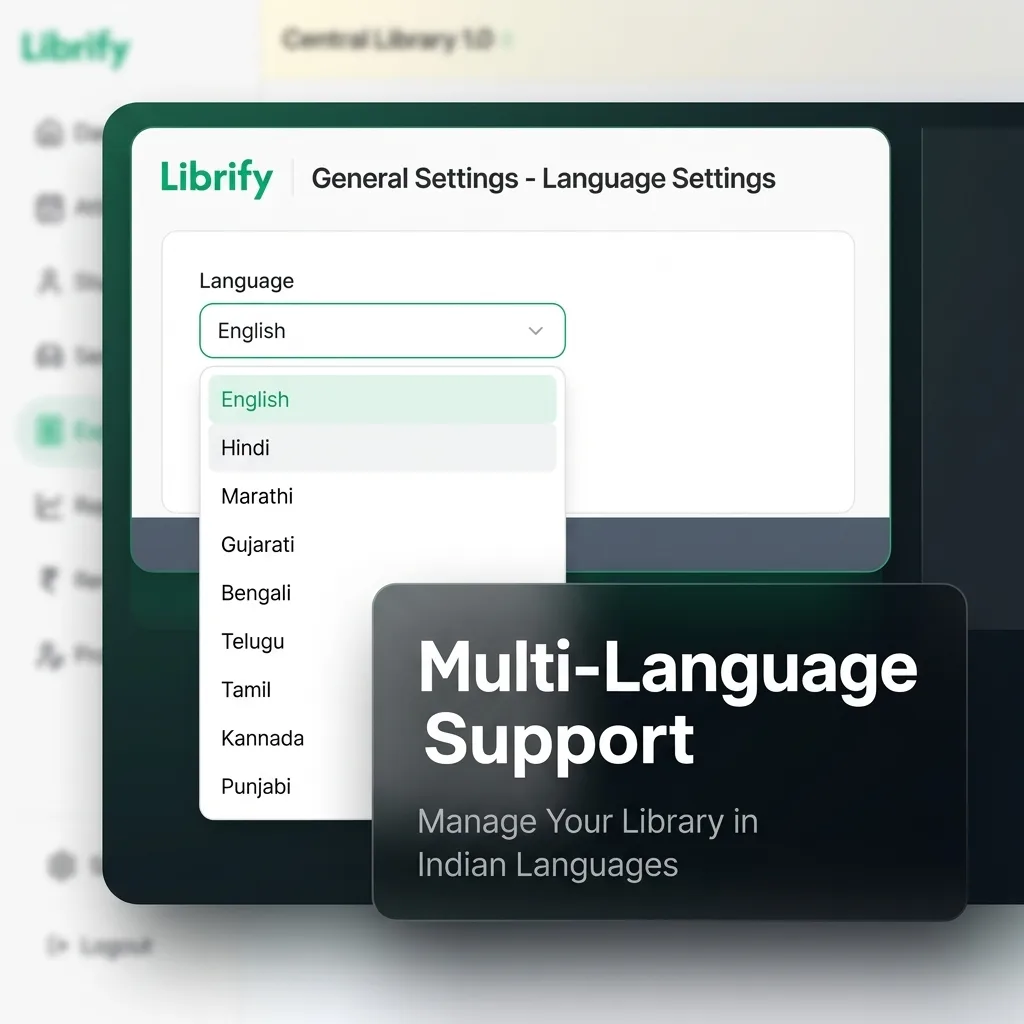
Introducing Librify Multi-Language Support: Switch Between 9 Languages
Librify is India's leading library management application designed specifically to empower local businesses. To address the country's diverse user base, we built native localization directly into the core platform, allowing users to switch the entire interface in one click.
Complete List of Supported Indian Languages:
How to Change the Display Language in Librify (Step-by-Step)
Switching the language takes only three steps and immediately translates your entire dashboard (sidebar, attendance panel, seat layout, expense forms, and receipts):
- Go to Settings: Locate the Settings button at the bottom of the left sidebar.
- Expand Language Settings: In the General Settings section, find the Language Settings panel and click the expand arrow.
- Select Language: Click the Display Language dropdown (which lists languages in their native script for easy recognition) and select the language you want to adopt. Click Save to complete the switch.
Switching Language by Role: Owner, Admin, and Student
Language is set per account, not per library — so each person interacting with Librify can run their own view in the language they're comfortable with, without changing anything for anyone else:
| Role | Where Language Is Set | What Changes |
|---|---|---|
| Owner | Settings → Language Settings on the owner dashboard | Full dashboard: reports, expense forms, seat layout, receipts preview |
| Admin / Front-Desk Staff | Their own login's Settings panel — independent of the owner's choice | Attendance marking, check-in screen, and student search — the screens they use most during the day |
| Student | Language toggle on the student self-service app | Their own profile, subscription status, and payment receipts |
This per-account model is what makes multi-branch libraries work well across states: a Marathi-speaking front-desk admin in a Pune branch and a Hindi-speaking owner reviewing consolidated accounts from Meerut each see the interface in their own language, from the same underlying data.
The Benefits of Localized Operations for Reading Rooms
Localizing your library's operations using a multi-language dashboard provides immediate operational value:
-
✓
Instant Staff Onboarding: Your librarians and receptionists can operate the system in their preferred language (e.g., Hindi or Marathi). This cuts staff training time to zero and prevents register errors.
-
✓
Higher Seat Utilization & Proactive Renewals: Sending WhatsApp payment reminders and subscription expiry notifications in the student's local language increases readability, reducing outstanding dues by up to 45%.
-
✓
Perfect Multi-Branch Alignment: If you manage multiple study rooms across states, each branch manager can select their own local display language, while you monitor consolidated accounts in English from the parent branch.
-
✓
Inclusive Student Experience: Students using the self check-in desk or scanning the entry QR codes can view instructions in their native script, enhancing user satisfaction.
Adopt Multi-Language Library Software Today
Break down language barriers. Manage student profiles, check-ins, seats, and ledgers in your local language with Librify's free plan.
Compare Librify Plans