
Transform Your Library Management with Cutting-Edge Technology
Are you a library owner struggling to manage your library efficiently? Or a student looking for a hassle-free way to join and use a library or study space? Say hello to Librify—the all-in-one library management app designed to simplify library operations and enhance the user experience.
In this comprehensive guide, we'll explore what Librify is, why it stands out as the best library software in the market, and how you can use it to manage your library like a pro. Whether you're running a small study center or a multi-branch library network, Librify has the tools you need to streamline operations and delight your members.
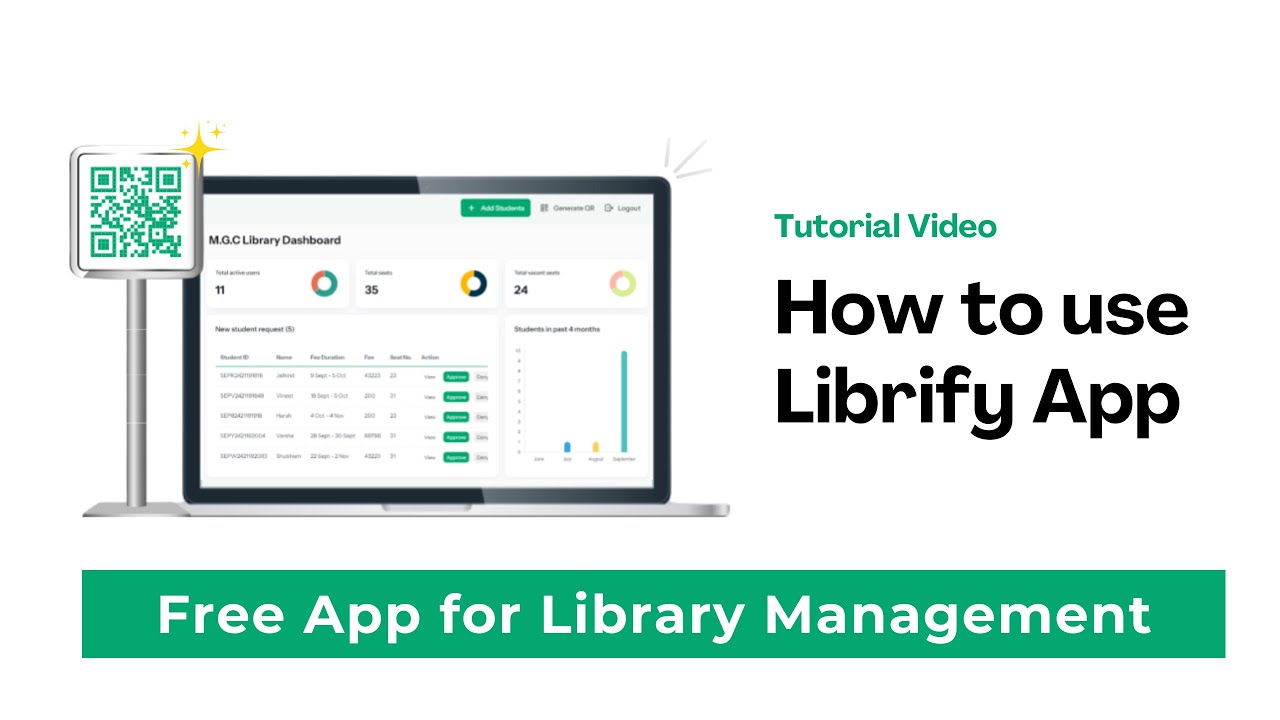
What is Librify?
Librify is a powerful, cloud-based library management software that allows library owners to manage their libraries online with ease. Whether you run a small study space or multiple branches of a large library, Librify streamlines everything—from tracking student subscriptions and seat availability to managing shifts and generating reports.
With features like QR code registration, real-time seat tracking, and subscription management, Librify takes the headache out of running a library. Students can join your library effortlessly, and owners get a clear overview of operations through an intuitive dashboard.
Quick Implementation
Set up your library in minutes, not days. No technical expertise required.
Enhanced Security
Protect member data with enterprise-grade security and compliance.
Data-Driven Insights
Make informed decisions with comprehensive analytics and reporting.
Cost-Effective
Flexible pricing plans to suit libraries of all sizes and budgets.
Librify has completely transformed how we manage our library network. The intuitive interface and powerful features have saved us countless hours and significantly improved the experience for our members.
Why Librify?
Real-Time Seat Management
No more manual tracking! Librify shows available seats based on shifts, eliminating confusion and double bookings.
Flexible Shift Options
Manage multiple shifts (morning, evening, night, or full-day) and customize timings to suit your library's needs.
QR Code Integration
Students can join your library by scanning a unique QR code—no paperwork required.
Subscription Tracking
Get alerts for upcoming subscription renewals and expirations, ensuring no student slips through the cracks.
How Librify Compares to Other Solutions
| Features | Librify | Traditional Systems | Other Library Apps |
|---|---|---|---|
| QR Code Registration | |||
| Real-time Seat Tracking | Limited | ||
| Multi-Shift Support | Manual | Basic | |
| Multi-Branch Management | |||
| AI-Powered Analytics | Advanced | Basic | |
| Mobile Responsiveness | Excellent | Varies |
How to Use Librify: A Complete Guide
Set Up Your Profile
- 1 Personal Details: Add your name, contact info, and other personal details as a library owner.
- 2 Library Details: Input your library's name, facilities (e.g., floors, seating capacity), and specifics like "Floor A: 70 seats, Floor B: 80 seats."
- 3 Shifts: Define your library's operating hours—e.g., Morning (7:00 AM–2:30 PM), Evening (2:30 PM–10:00 PM), Night (10:00 PM–7:00 AM), or Full Day (7:00 AM–7:00 AM next day).
- 4 Terms & Conditions: Use Librify's default T&C or customize your own for students to accept during registration.
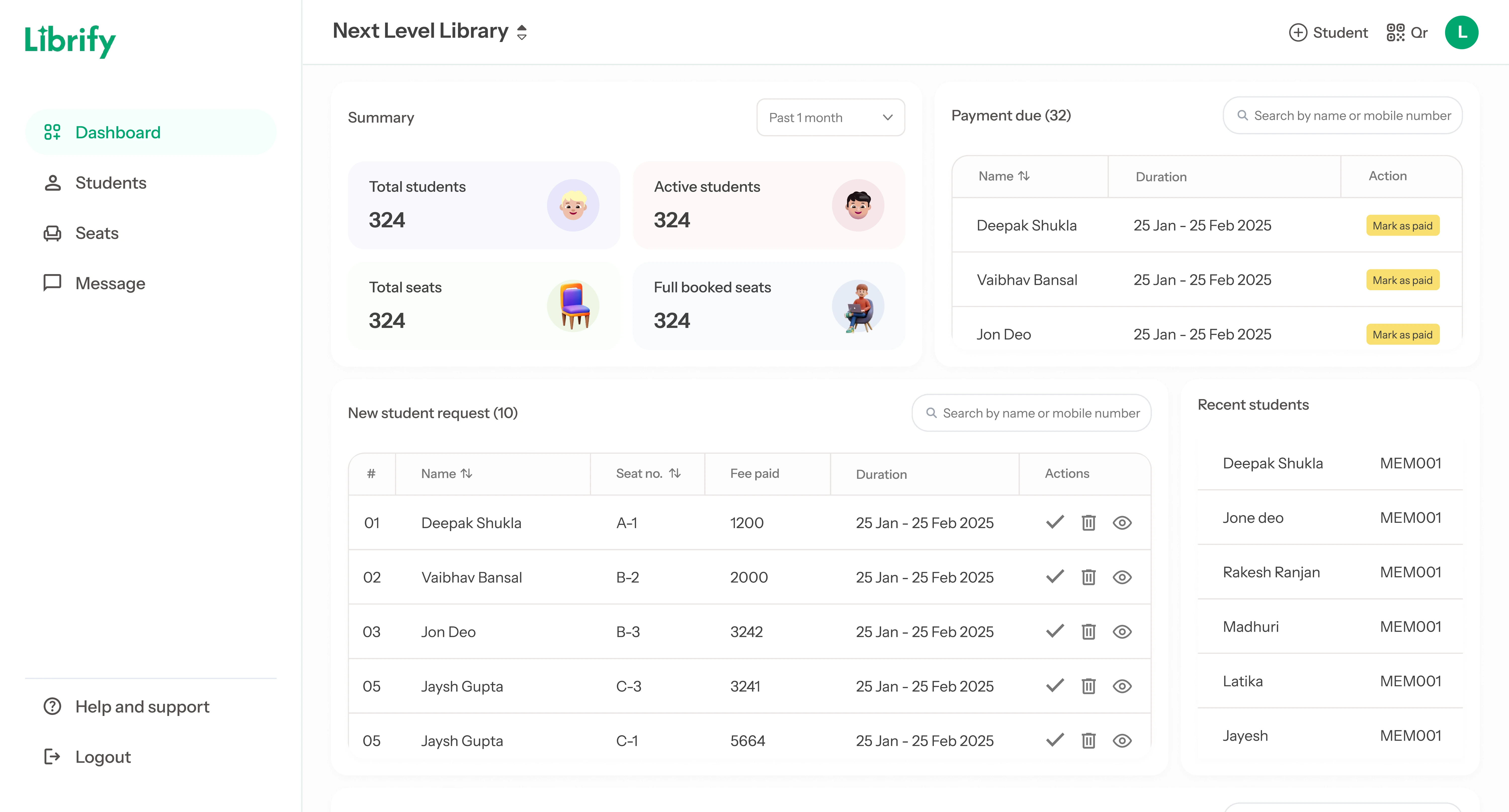
Explore the Dashboard
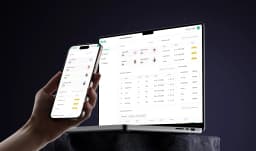
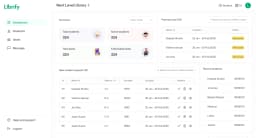
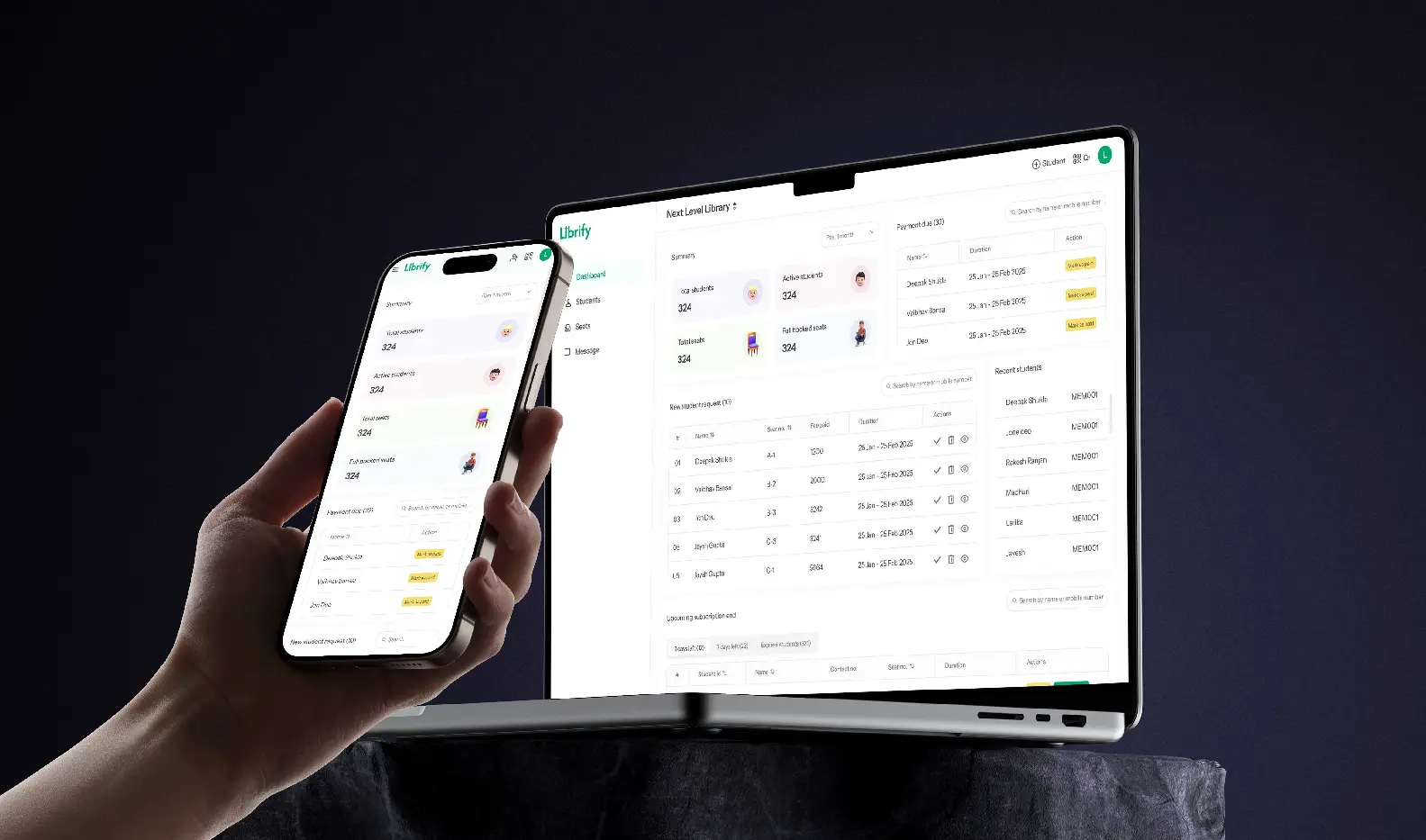
The dashboard is your control center. Here, you'll see:
- 1 Total active students and seats available.
- 2 New student requests from QR scans.
- 3 Upcoming subscription expirations (e.g., "Prince Kumar's subscription ends in 3 days").
- 4 Past 10-day joining trends and gender ratios.
Fully Mobile Friendly
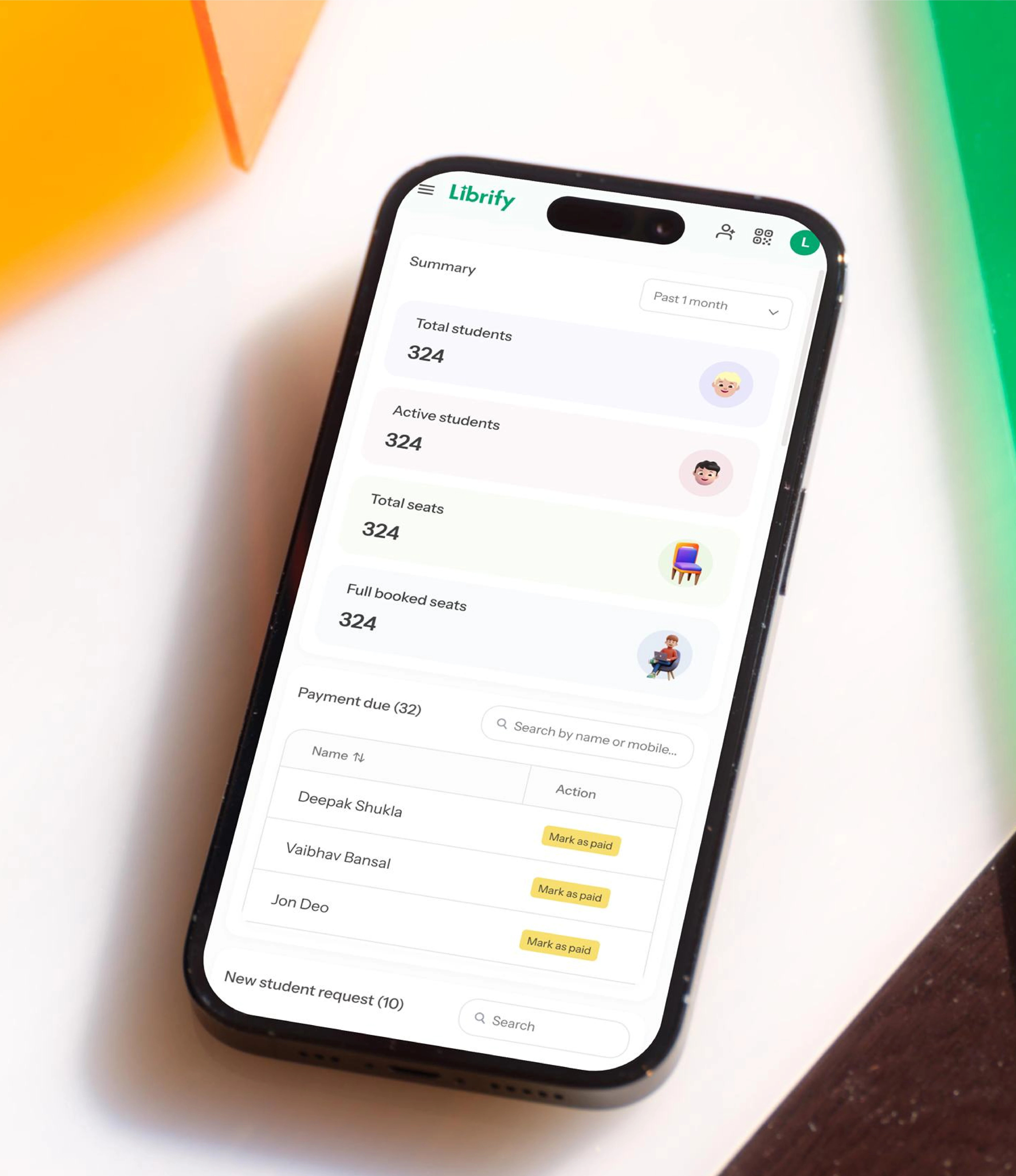
Librify is designed to work flawlessly on all devices, from desktop computers to tablets and smartphones. Manage your library on the go with our responsive interface:
- Check seat availability from anywhere
- Approve student requests on the go
- View real-time analytics on any device
- Manage subscriptions from your smartphone
Feature-by-Feature Comparison: Librify vs Go Library vs Library Pro vs Manual Registers vs EasyLibrary
Library owners in India typically choose between one of five approaches. Here is how they compare directly on the features that matter most for daily operations:
| Feature | Librify | Go Library | Library Pro | Manual Register | EasyLibrary |
|---|---|---|---|---|---|
| Starting Price | Free forever | Paid, no free tier | Paid, no free tier | ₹0 (hidden labor cost) | Paid, no free tier |
| Seat-Based Pricing | ✓ Scales with seat count | Flat plans | Flat plans | ✗ N/A | Flat plans |
| QR Attendance | ✓ | Partial | ✓ | ✗ | Partial |
| WhatsApp Automation | ✓ Receipts + reminders | ✗ | Reminders only | ✗ | ✗ |
| Multi-Branch Support | ✓ Pro plan | Higher tier only | Higher tier only | ✗ | Higher tier only |
| Multi-Language Interface | ✓ 9 languages | English only | English only | N/A | English only |
Best For
- Librify: Owners who want a free-forever entry point with room to grow into revenue tracking and multi-branch management as their library scales.
- Go Library / Library Pro: Larger, established libraries already budgeting for paid software from day one.
- Manual Register: Very small, single-owner reading rooms with under a dozen regular students.
- EasyLibrary: Libraries prioritizing a simple catalog-style interface over deep attendance/revenue automation.
Pricing Breakdown: What You Actually Pay Per Seat
Feature lists only tell half the story — the real decision usually comes down to price per seat at the library's actual size. Librify's free plan covers essential seat management and QR attendance with no seat limit, which matters most for owners just starting out who can't justify a fixed monthly software cost before their library has steady occupancy. Once revenue tracking, WhatsApp automation, and multi-branch reporting become worth paying for, Mini at ₹59/month and Pro at ₹149/month are priced well below the ₹500–₹5,000+/month range that generic library management systems and coaching-focused LMS platforms typically charge, because those systems are usually built and priced for academic institutions rather than single-owner reading rooms.
Go Library and Library Pro both require a paid plan from day one, with no free tier to trial the core workflow risk-free — a meaningful difference for a new library owner who wants to test digital attendance and seat booking before committing budget to it. Manual registers remain genuinely free in cash terms, but the hidden cost shows up as staff time spent on end-of-day reconciliation, a cost this guide's companion post on library expense management breaks down in more detail.
For a deeper look at how seat-based pricing scales as a library grows from 20 seats to 100+, see the full Librify pricing page, and for a feature-level breakdown of what's specifically included in each plan, the features page lists every module by tier.
Q&A: Your Library Management Questions Answered
Librify combines real-time seat tracking, multi-shift support, and QR code registration into one easy-to-use platform—features that outshine most library software. Our AI-powered analytics and mobile responsiveness make it the most comprehensive solution available.
Absolutely! Whether you have 10 seats or 1000, Librify scales to fit any study space center or library.
We prioritize data security and use encryption to ensure that all personal and subscription details are securely stored.
Unlike pen-and-paper systems, Librify automates seat allocation, subscription tracking, and student onboarding, saving hours of manual work. Our customers report saving 15-20 hours per week on administrative tasks after switching to Librify.
Yes, its multi-branch feature lets you manage all your libraries from a single login—perfect for growing library management needs. You can view consolidated reports or drill down into branch-specific metrics with just a few clicks.
They scan your library's QR code, fill out a form, and wait for your approval—simple and secure. This paperless process reduces errors and creates a seamless onboarding experience for both students and administrators.
Yes, Librify offers a free plan with essential features. Mini (from ₹59/month) adds revenue tracking, and Pro (from ₹149/month) adds multi-branch management on top of that.
To get started, enter your personal details and basic library information, such as shift durations and the number of seats. Once submitted, your details will be sent to us for verification. After we verify your information, you can begin using the dashboard's features. If verification is pending for an extended period, please contact us via the provided email or phone number.
You can either add student details manually through the dashboard or allow students to scan a QR code, fill out a form, and submit their details for approval.
You can reach out to our support team through the 'Contact Us' section of the website or via email.
No, there are no limits as of now. You can manage as many students and seats as your library requires.