
A library that runs well operationally can still run into trouble at tax time if its books are a mix of a cash box, a WhatsApp payment screenshot folder, and a half-updated notebook. Clean daily cash reconciliation and a proper chart of accounts aren't bureaucratic overhead — they're what makes a CA audit, a bank loan application, or a GST filing take an afternoon instead of a week.
This guide covers the daily reconciliation protocol, the expense categories a study library actually needs to track, and how to move from an Excel-only setup to CA-ready reporting without hiring a full-time accountant.
In This Accounting Guide
1. Daily Cash Reconciliation Protocol
At the close of each shift, staff should reconcile the physical cash drawer and UPI collections against the system's recorded payments for that day. Any mismatch — a student who paid cash but wasn't logged, or a UPI payment that didn't sync — should be flagged and resolved the same day, since discrepancies compound and become nearly impossible to trace after a week or more.
| Step | Action |
|---|---|
| 1. Count physical cash | Count the cash drawer at shift close, before any new transactions. |
| 2. Pull UPI/digital total | Export the day's UPI collections from the app or payment provider. |
| 3. Compare to system total | Match cash + UPI against the app's logged payments for the day. |
| 4. Flag and resolve mismatches | Investigate same-day — an unlogged cash payment or a missed entry. |
2. Chart of Accounts for a Study Library
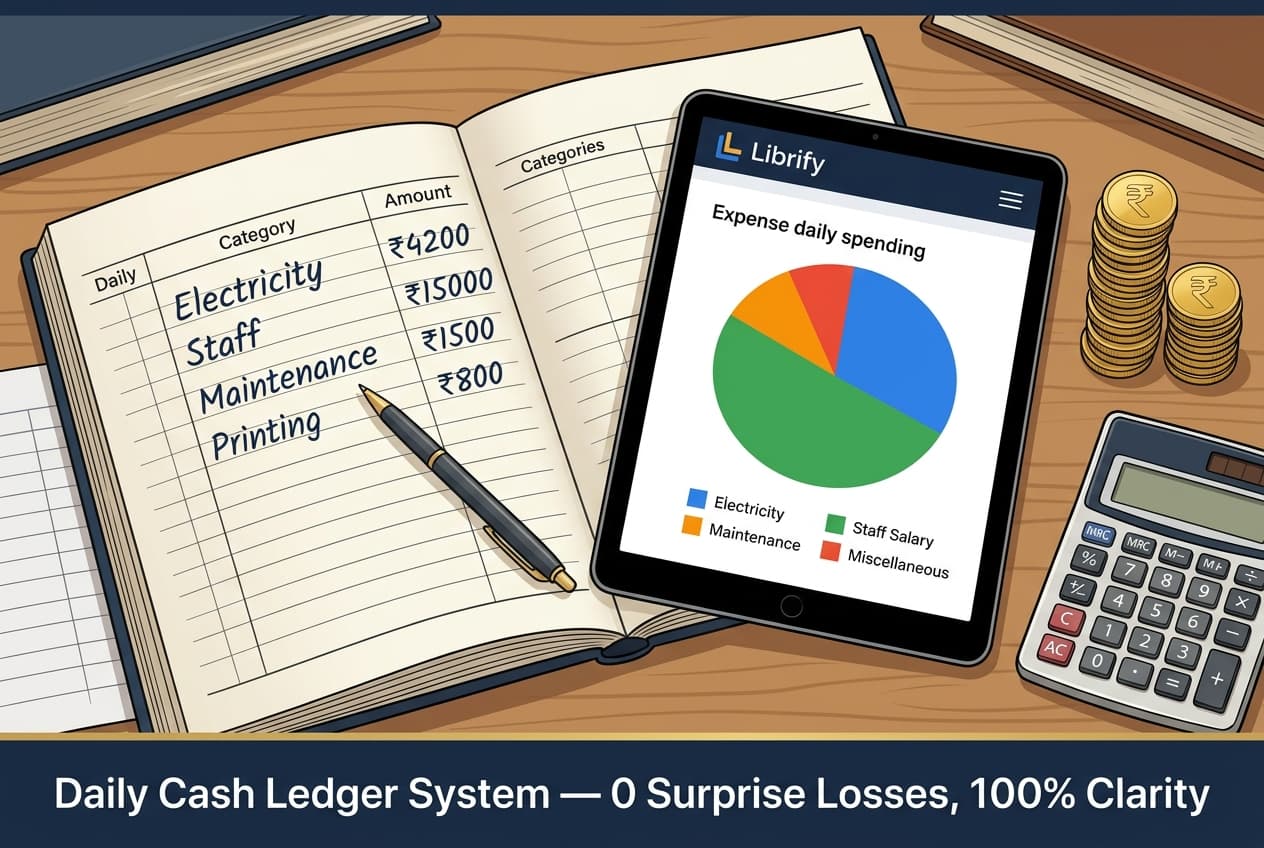
A study library's expenses are simpler than most small businesses, but tracking them under consistent categories from day one makes year-end P&L preparation straightforward: rent, electricity, staff salaries, internet & software subscriptions, maintenance & repairs, marketing, and miscellaneous. Keeping electricity as its own line item specifically matters, since it's typically the largest controllable expense after rent and the one most affected by shift and AC usage decisions.
On the revenue side, breaking down collections by shift (Morning, Evening, Night) rather than lumping all fee income together gives an owner much more useful data — it directly shows which shift is under-occupied and worth marketing harder, information that a single combined revenue number hides entirely.
3. Excel Template vs Automated Software
An Excel template works for a single-branch library in its early months — a simple sheet with date, category, and amount columns is enough to produce a basic monthly summary. The limitation shows up as the library grows: multiple staff members entering data inconsistently, no automatic linkage between fee collections and expense records, and manual month-end totaling that's easy to get wrong. Automated software that logs revenue and expenses in the same system removes this reconciliation gap entirely, since collections and expenses share one source of truth from the point of entry.
4. Preventing Cash Handling Errors and Staff Fraud
Cash-heavy operations carry an inherent risk of both honest errors and, less often, deliberate underreporting by staff. The daily reconciliation protocol above is the primary defense, since any gap between logged and actual cash surfaces the same day rather than accumulating unnoticed for weeks. A digital attendance and payment log that's timestamped and tied to a specific staff login adds accountability — it becomes clear which shift and which staff member handled a transaction if a discrepancy needs investigating later.
5. Preparing for a Tax Audit or CA Review
A CA preparing your annual return or a tax audit typically needs a full-year P&L with revenue and expenses by category, bank statements matching recorded UPI collections, and receipts for major expenses. Owners who export a clean monthly Excel/PDF report throughout the year — rather than trying to reconstruct twelve months of records in March — routinely cut their annual CA engagement time and cost significantly, since the CA is reviewing organized data rather than assembling it from scratch.
It's worth building the habit of exporting and archiving a monthly report the moment the month closes, rather than waiting until tax season. A year's worth of twelve individually-verified monthly reports is far more trustworthy — to a CA, a bank, or the owner themselves — than one large end-of-year reconstruction attempted from memory and scattered receipts.
6. Frequently Asked Questions
How do library owners calculate net profit after electricity and rent?
Net profit is total monthly revenue (seat fees across all shifts) minus total monthly expenses (rent, electricity, staff, internet/software, maintenance, and marketing), tracked under a consistent chart of accounts.
Is Excel enough for library accounting, or do I need software?
Excel works for a single-branch library in its early months, but automated software becomes valuable once multiple staff log transactions, since it removes manual reconciliation errors and keeps revenue and expenses in one source of truth.
How can I prevent cash handling errors by staff?
Reconcile physical cash against the system's logged payments at the end of every shift, and use a digital, staff-login-tied payment log so any discrepancy can be traced to a specific shift and staff member.
What records does a CA need for a library's annual tax audit?
A full-year profit & loss statement by expense category, bank statements matching recorded UPI collections, and receipts for major expenses — ideally exported monthly throughout the year rather than assembled at year-end.
Related reading: Excel & PDF Reports Every Library Owner Should Automate and Study Library ROI Blueprint.
Export CA-Ready Reports in One Tap
Clean Excel and PDF income & expense statements, ready for your CA or tax audit.
Try Librify Free →